


Platform Dashboard
Manage connected accounts, seller balances, payouts, and developer settings from one dashboard.
The Platform Dashboard is the workspace for the people who run your marketplace. Use it to onboard sellers, move USDC to their balances, send payouts, and monitor account activity. Its layout follows the Stripe Dashboard, so the main workflows should feel familiar.
This is separate from the Express Dashboard used by connected accounts. Sellers only see their own balance, payouts, and account details.
On Zoneless Cloud, sign in to your Zoneless account and click Open Zoneless Dashboard. If you self-host, use the dashboard URL for your own instance.
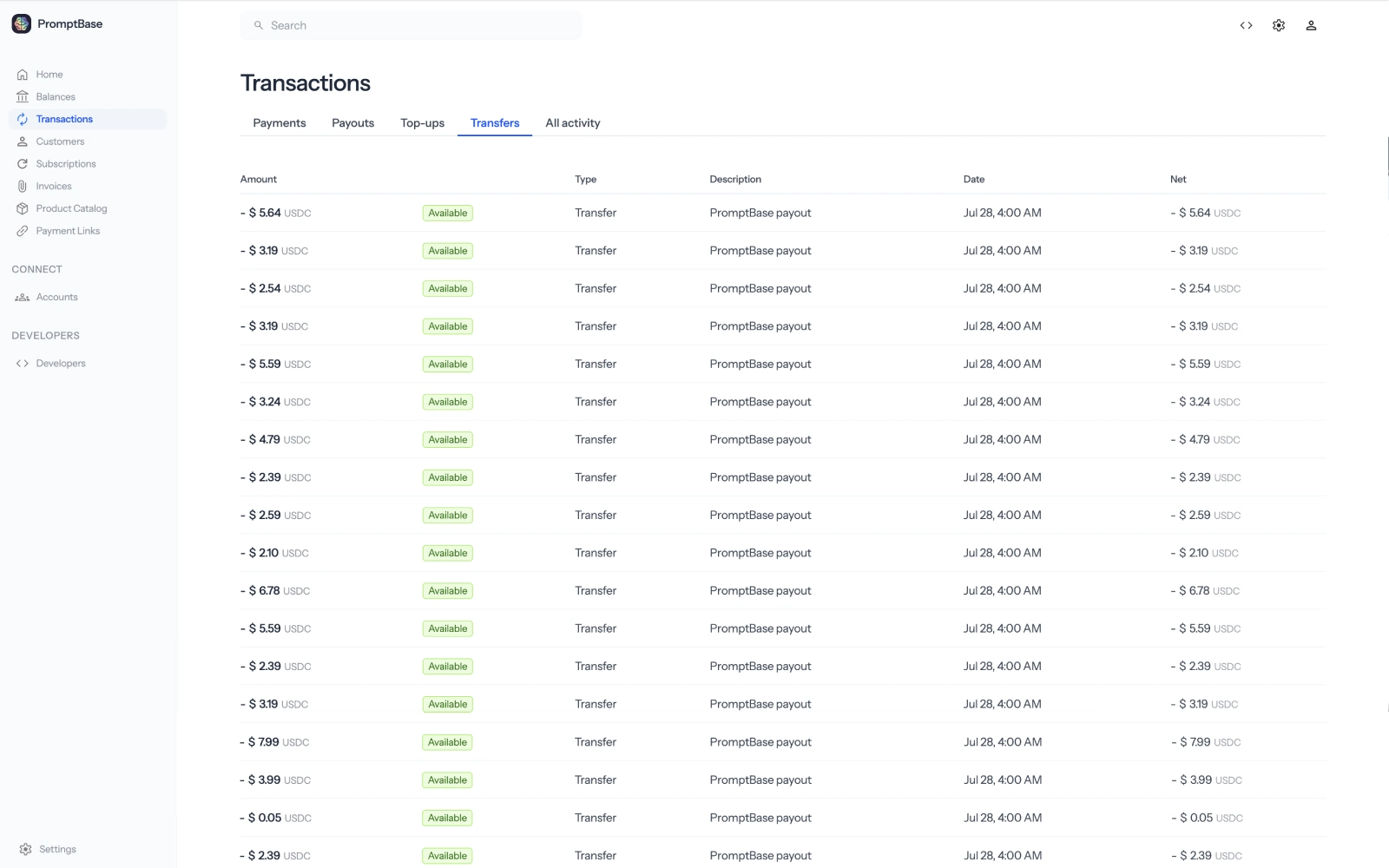
 Manage connected accounts
Open Connected accounts to find a seller, check their onboarding status, view their balance, or open their account page.
- Create connected accounts for sellers and service providers.
- Copy an Account Link to send a seller through Express onboarding.
- Check whether identity details and a payout wallet have been added.
- Review balances, transfers, and payouts for an individual account.
For a complete walkthrough, follow the dashboard quickstart.
Fund accounts and pay sellers
Seller payouts come from your platform wallet. The dashboard shows its USDC balance and the connected account balances recorded by Zoneless.
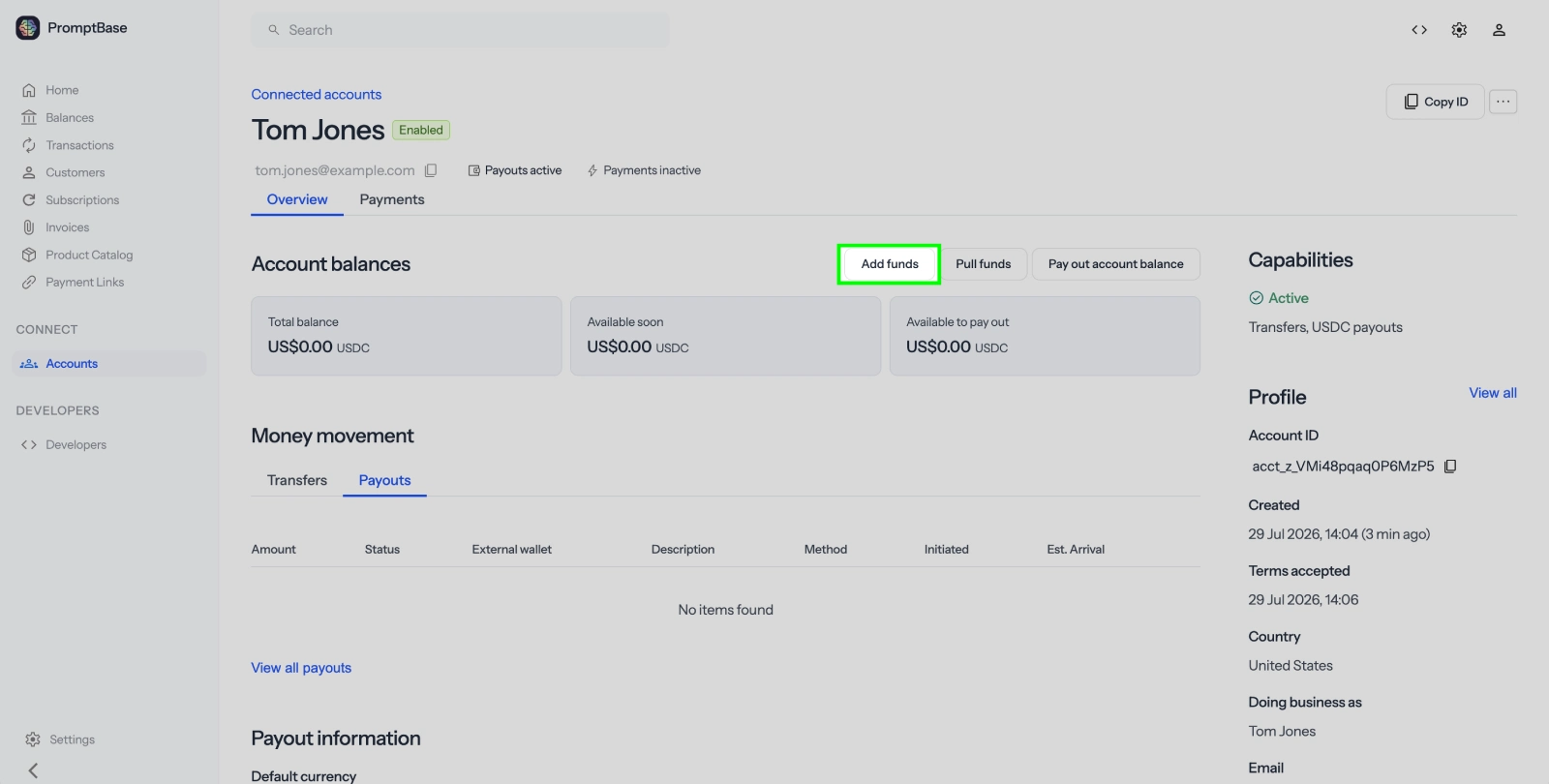
- Add funds: Buy USDC and send it to your platform wallet.
- Transfer funds: Credit a connected account's Zoneless balance.
- Create a payout: Send USDC from that balance to the seller's Solana wallet.
Give sellers dashboard access
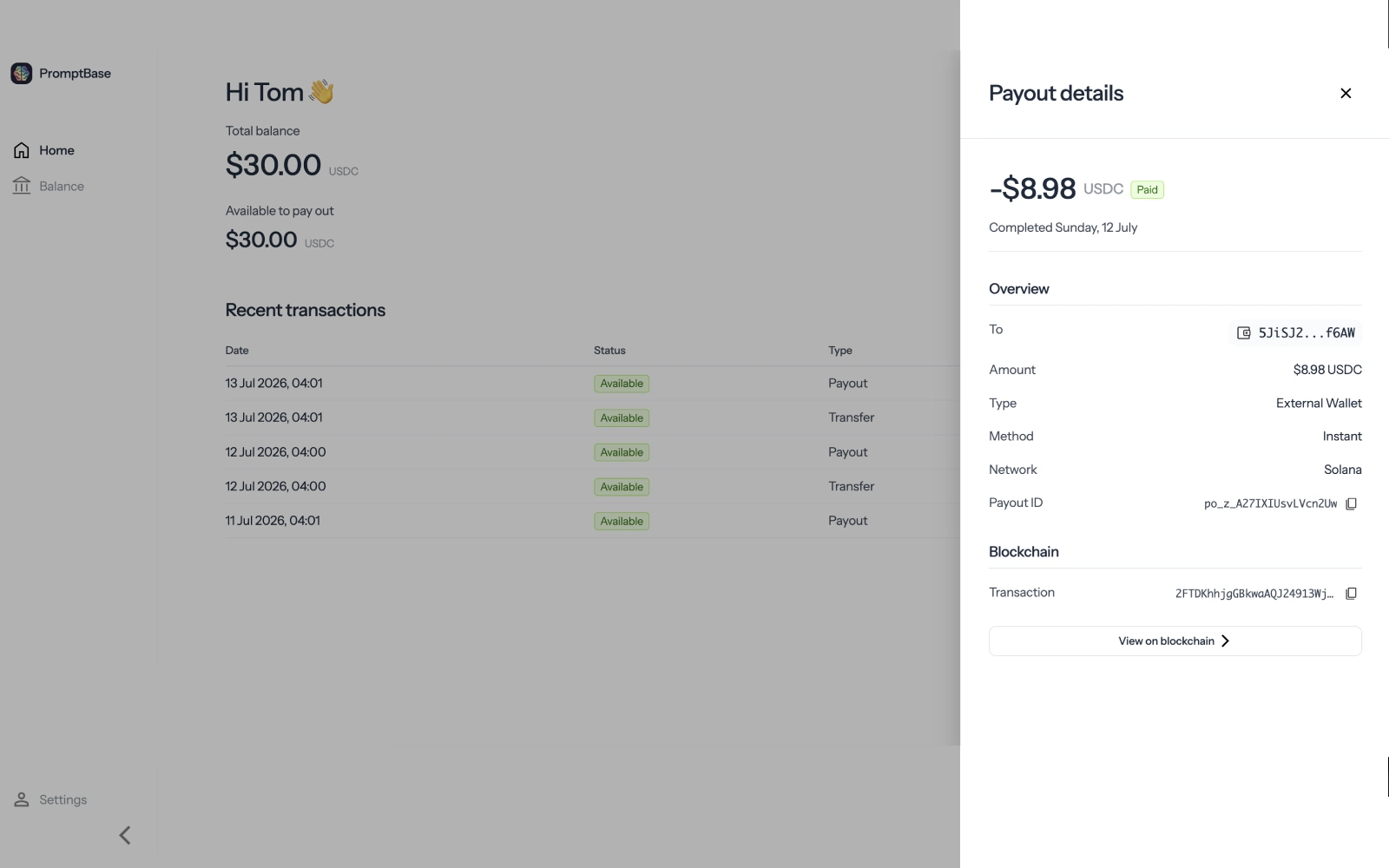
Connected accounts use the Express Dashboard, not the Platform Dashboard. They can view their balance and payouts, update account details, and manage their payout wallet without seeing platform-wide data.
Create a Login Link when a seller needs access. Login Links are single-use and expire after five minutes, so generate a new one for each session.
Developer settings
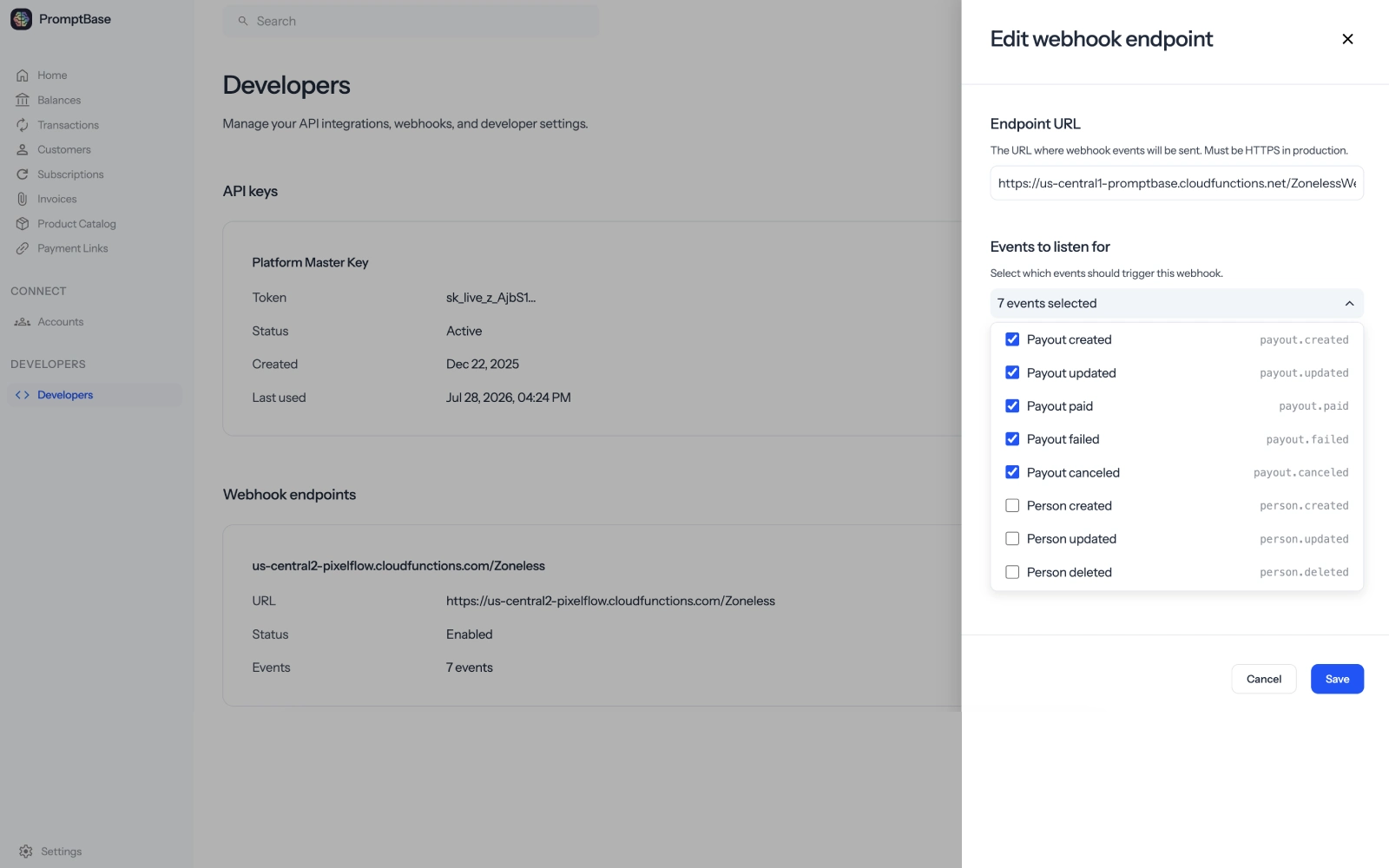
Open Developers to manage the parts of your integration that run outside the dashboard.
- API keys: Create and revoke keys for server-side API requests.
- Webhooks: Register endpoints and choose which events they receive.
- Events: Review activity and inspect event payloads while debugging.
Zoneless Cloud has separate live and test environments. Live mode uses Solana mainnet and real USDC. Test mode uses simulated USDC, so you can test checkout, payouts, and subscriptions without a wallet or faucet.
Payments and billing
The dashboard also includes Checkout, Payment Links, customers, products, subscriptions, and invoices. These are available if you want to collect USDC with Zoneless, but they are not required to use connected accounts and payouts.
You can keep collecting customer payments with Stripe and use Zoneless only for seller onboarding and USDC payouts. See Migrate from Stripe for that setup.
Self-hosted dashboard access
The setup wizard creates your platform and signs you in to the dashboard. If the session expires, open the platform login route on your instance and enter your platform API key.
https://yourdomain.com/platform-login Next steps
- Dashboard quickstart: Onboard and pay your first seller
- API quickstart: Build the same flow with Node.js or cURL
- Identity verification: Add KYC checks before payouts