Quickstart

Get up and running with Zoneless in under 5 minutes. This guide covers the essentials: setting up your platform, creating a connected account, generating an onboarding link, sending your first USDC transfer, and processing payouts.

Prerequisites

  • Docker installed on your machine
  • Node.js 18+ (for the Node.js SDK) or any HTTP client

1. Run Zoneless with Docker

Start your self-hosted Zoneless instance using Docker Compose. This launches the API server, dashboard, and database.

Start Zoneless
git clone https://github.com/zonelessdev/zoneless.git
cd zoneless
docker compose up -d

2. Complete the setup wizard

Open localhost/setup in your browser to configure your platform account. The setup wizard will guide you through creating your platform and generating your API key. You can create a new Solana wallet or connect an existing one.

Save your credentials immediately. Your API key and wallet secret key are only shown once during setup. Store them securely — you won't be able to view them again.
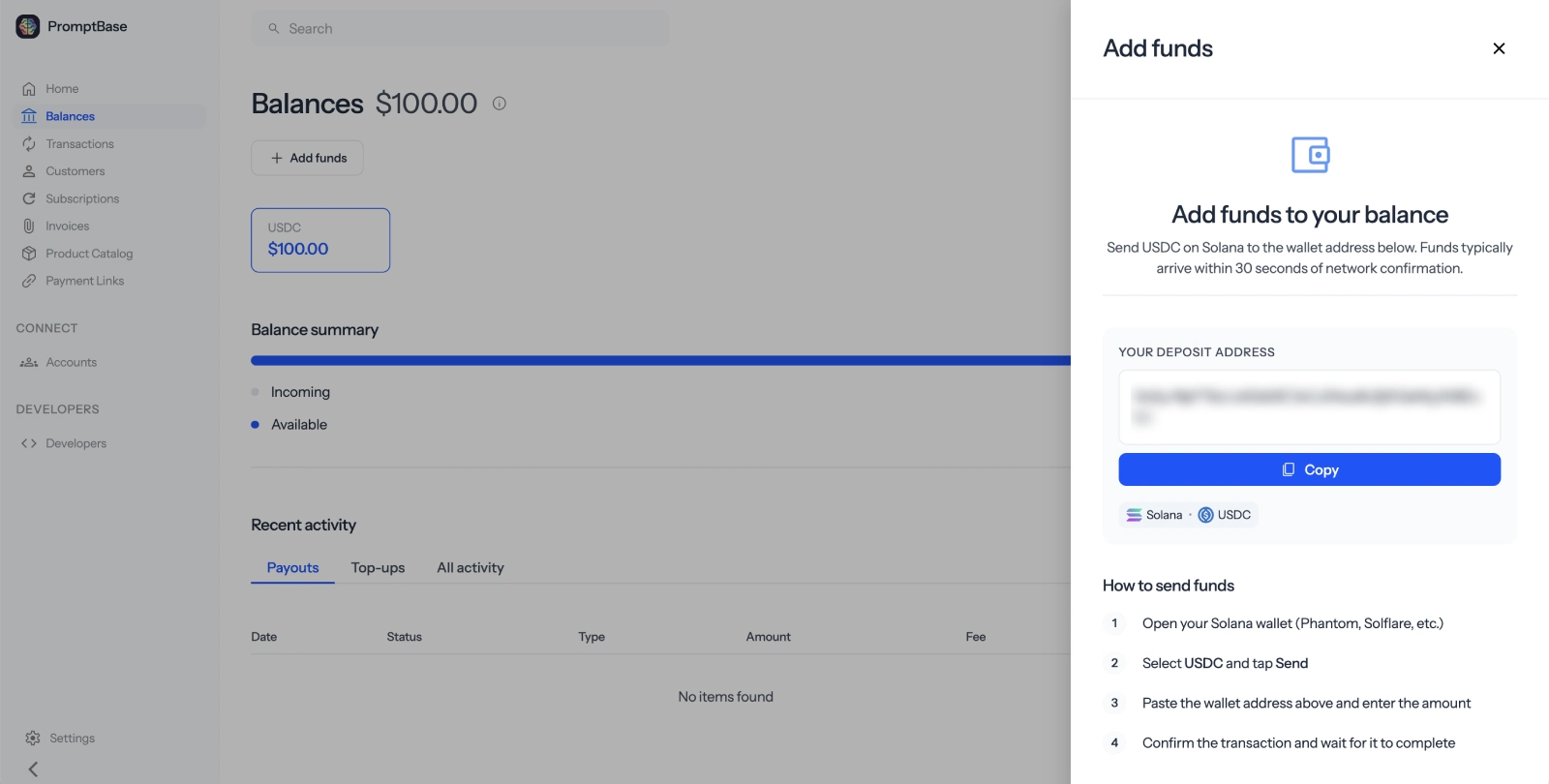
Fund your wallet. Your platform wallet needs both USDC and SOL (for transaction fees) to process payouts. You can fund it after setup is complete. See Test funds for instructions on adding test SOL and USDC.

3. (Optional) Install the SDK

Install the Zoneless Node.js SDK using your preferred package manager.

Install
npm install @zoneless/node

4. Initialize the client

Create a new Zoneless client instance with the API key from the setup wizard, and the base URL of your Zoneless instance.

Keep your API key secure. Never expose it in client-side code or commit it to version control. Use environment variables instead.
Initialize client
import { Zoneless } from '@zoneless/node';
const zoneless = new Zoneless('sk_live_z_YOUR_API_KEY', 'http://localhost');

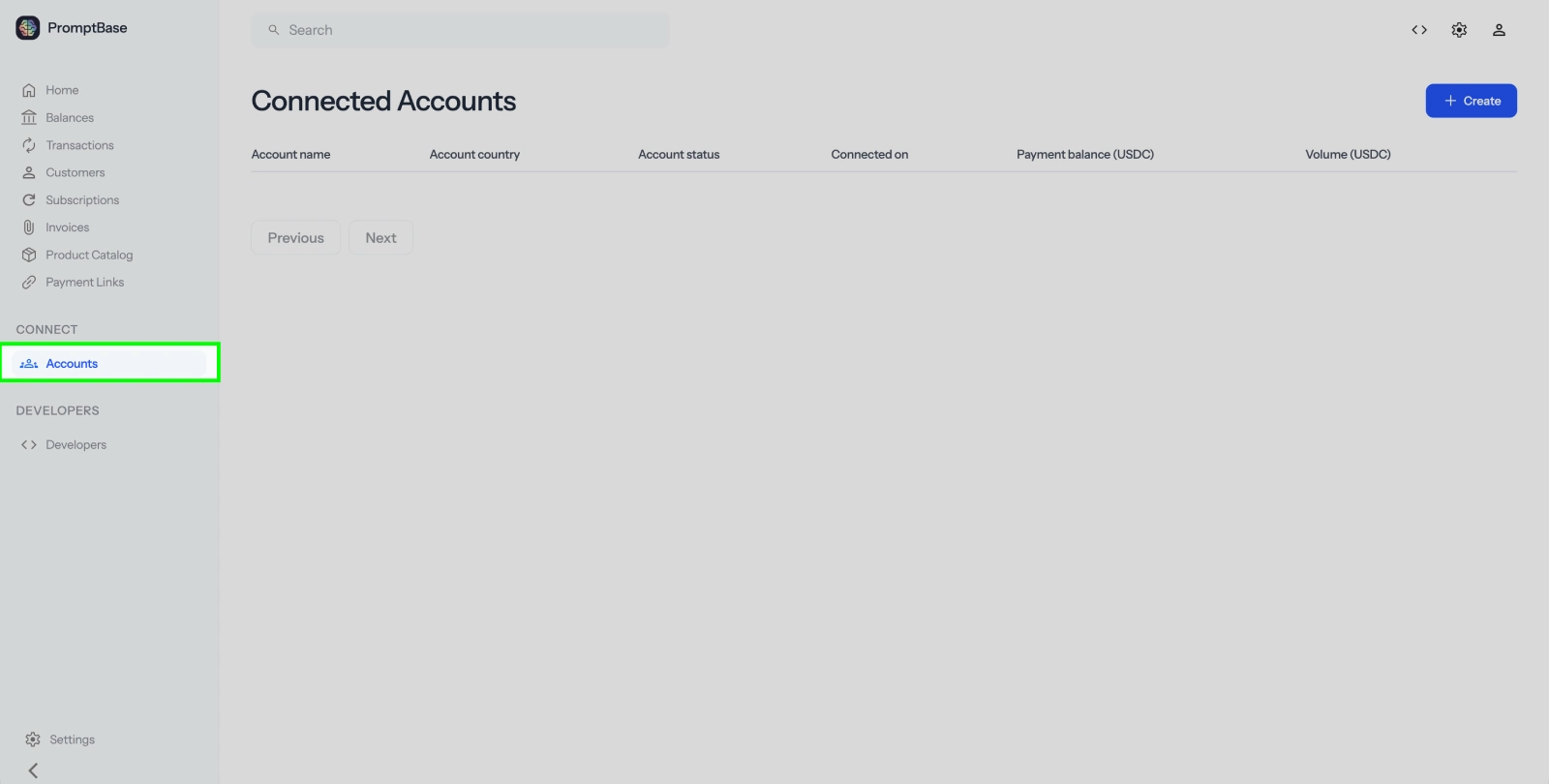
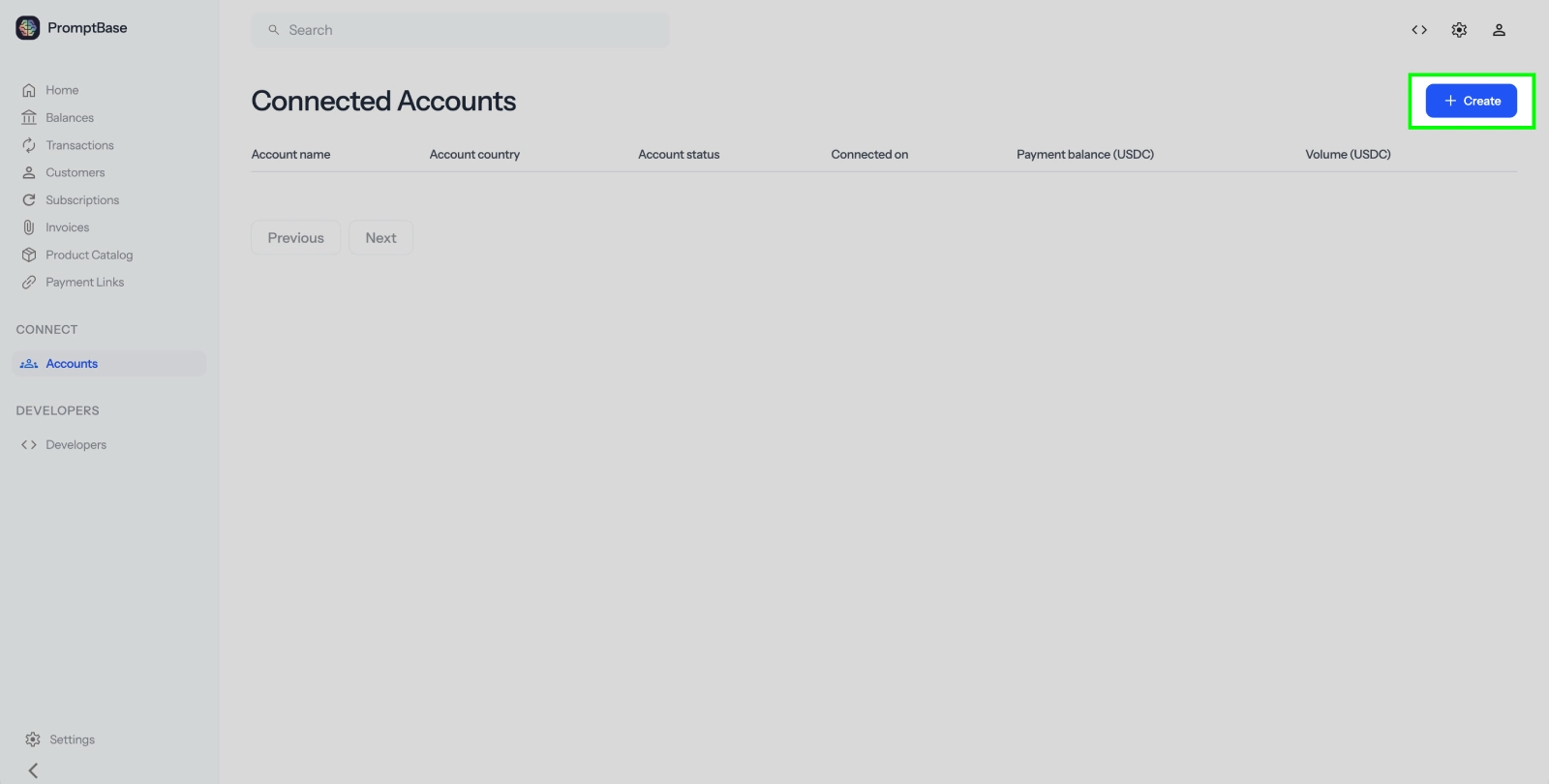
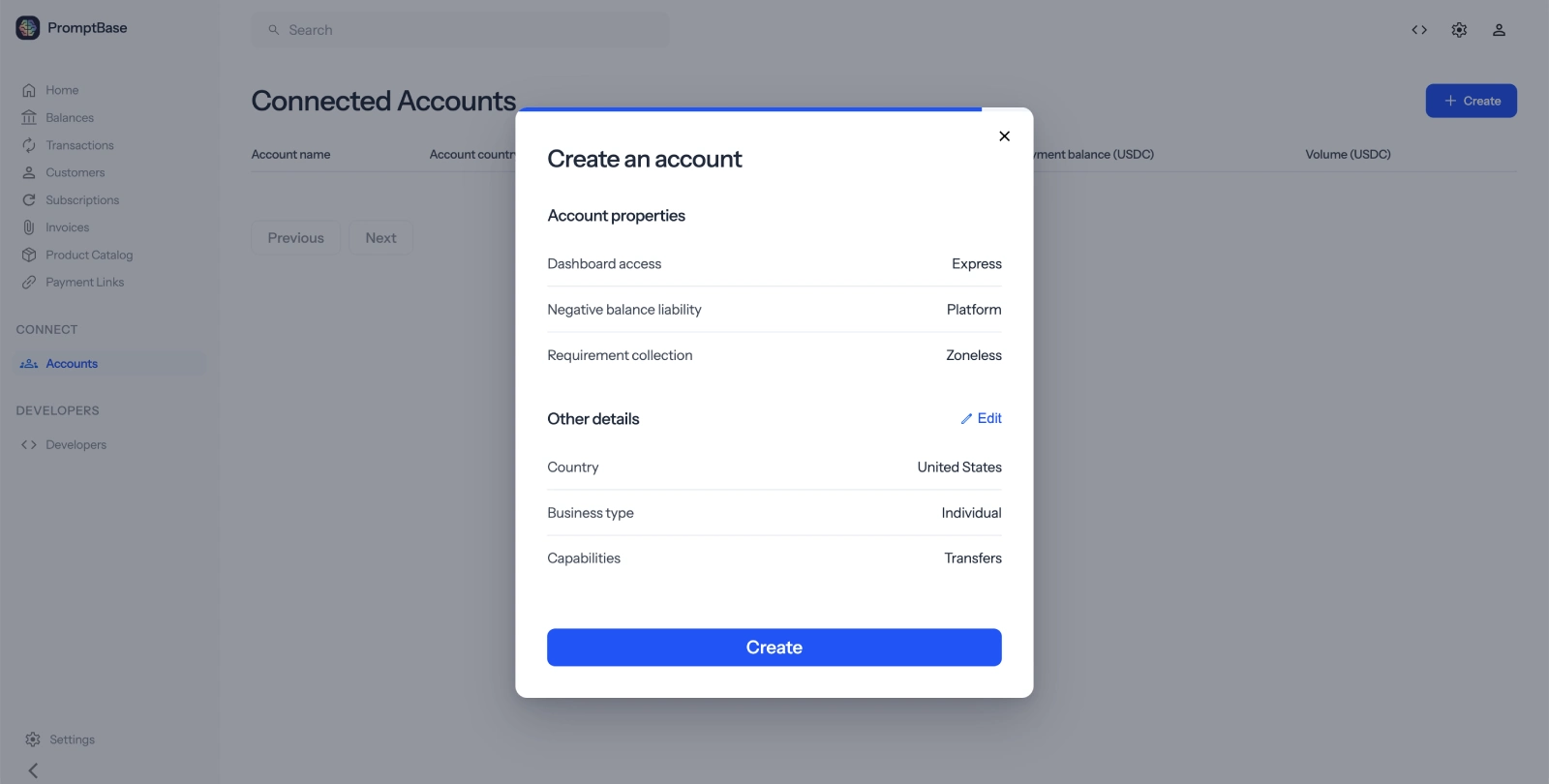
5. Create a connected account

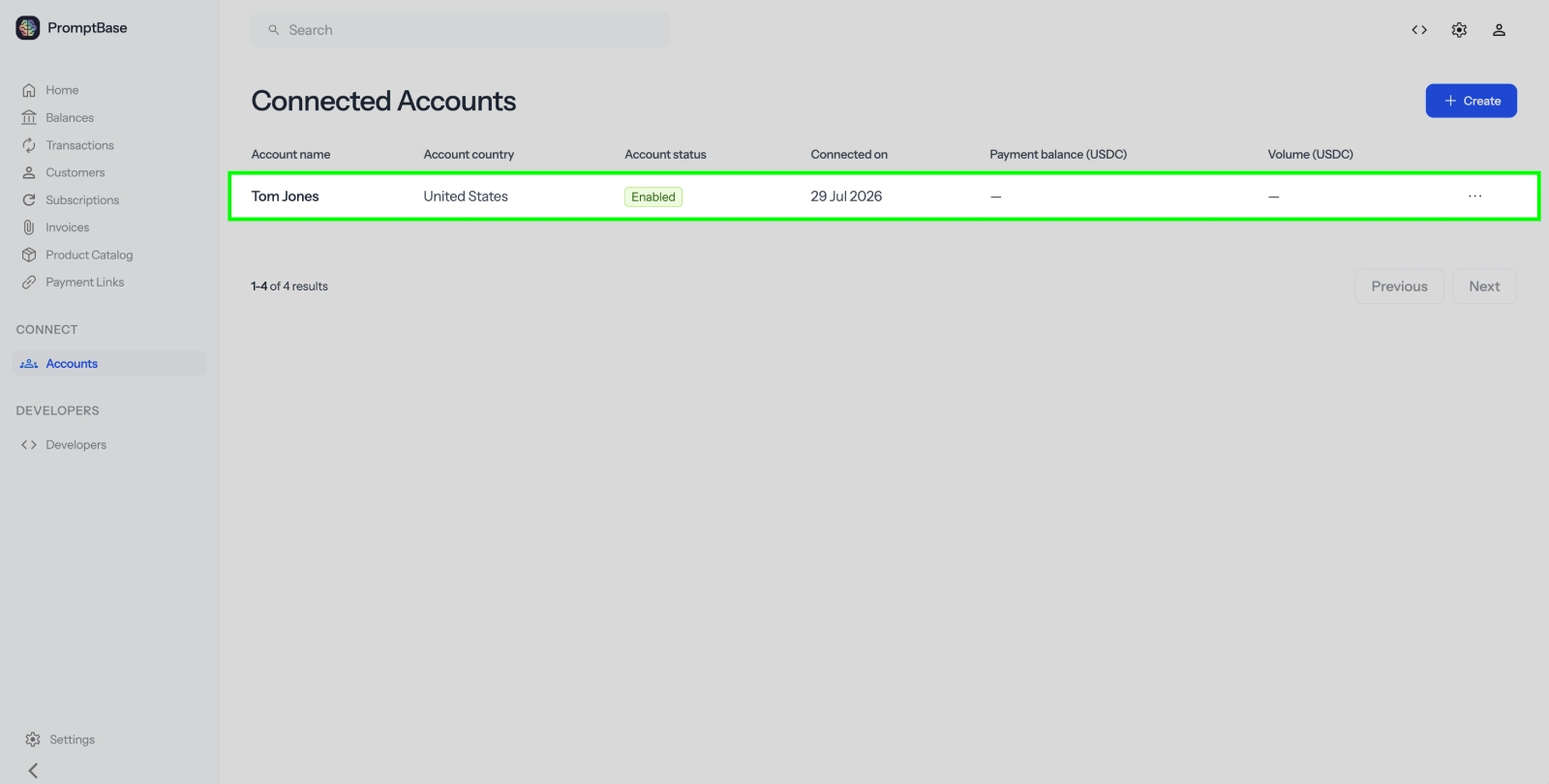
Connected accounts represent your sellers or service providers.

Create account
const account = await zoneless.accounts.create({
  type: 'express',
  country: 'US',
  email: 'seller@example.com',
  capabilities: {
    transfers: { requested: true }
  }
});

console.log(account.id); // acct_z_1234...

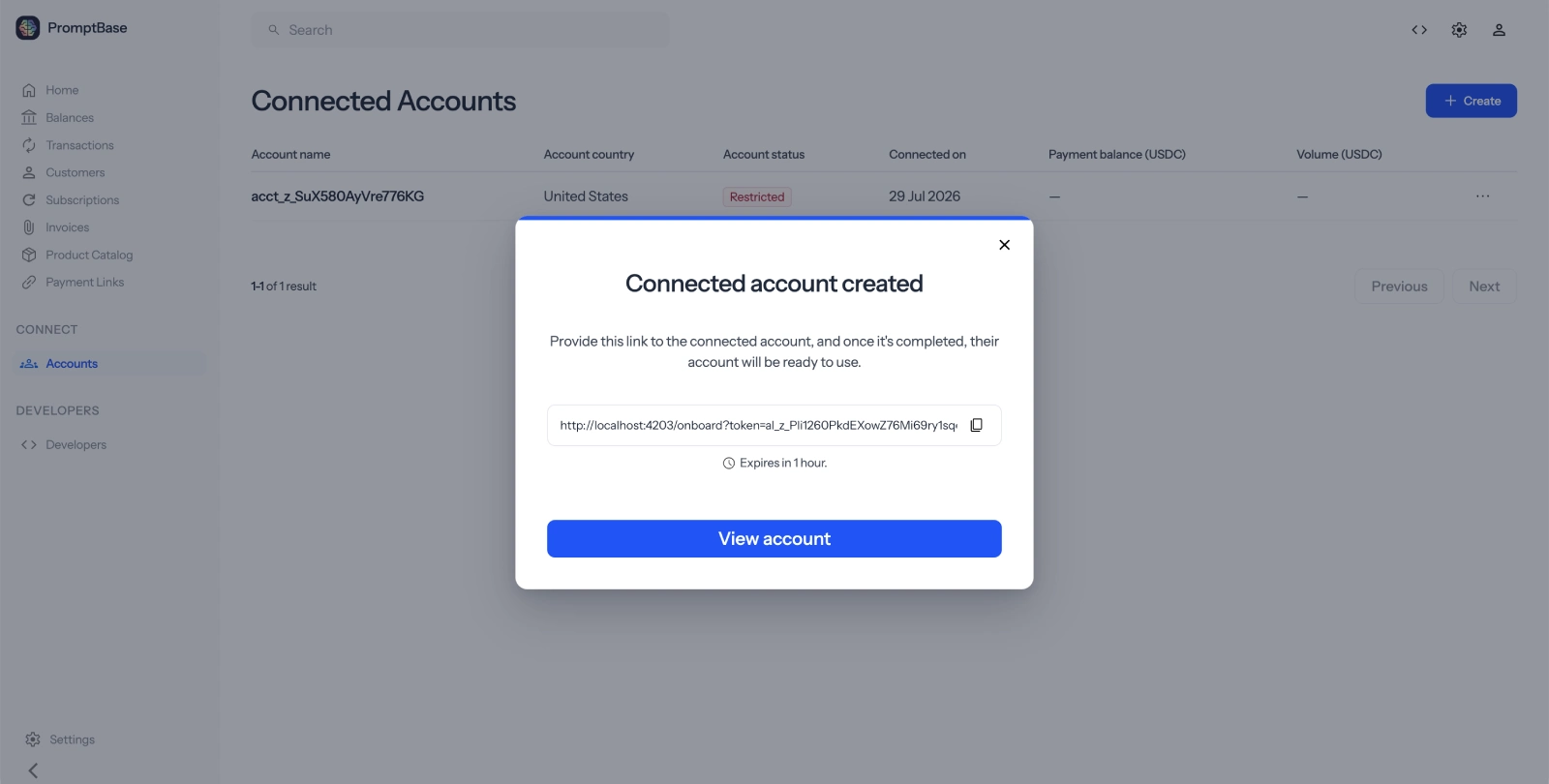
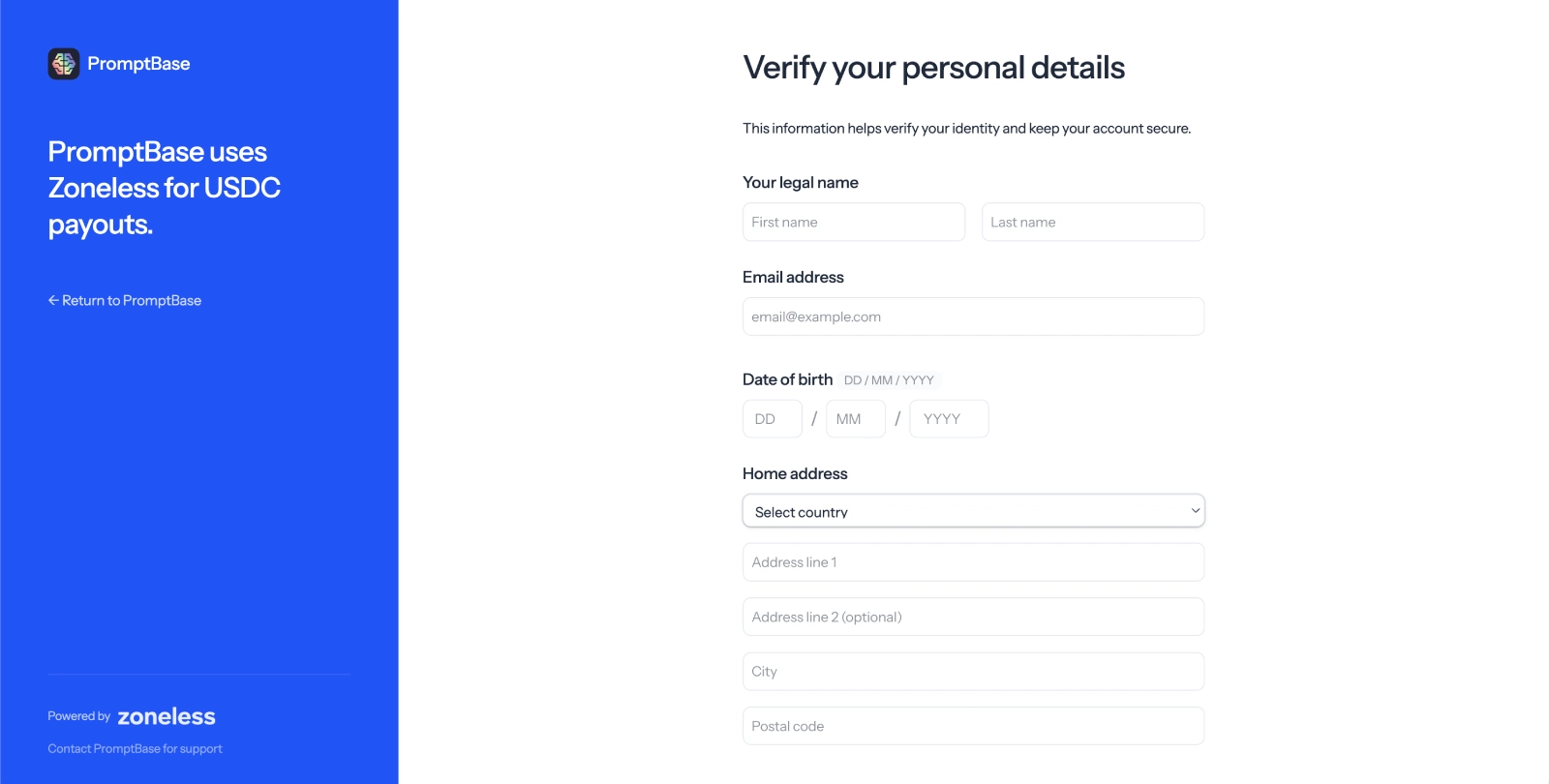
Generate an Account Link to redirect the seller to the Zoneless-hosted onboarding flow. Here they'll provide required information and connect their wallet.

Account links expire after 1 hour. If the seller doesn't complete onboarding in time, create a new link using the same account ID.
Create account link
const accountLink = await zoneless.accountLinks.create({
  account: account.id,
  refresh_url: 'https://yoursite.com/reauth',
  return_url: 'https://yoursite.com/return',
  type: 'account_onboarding'
});

// Redirect the seller to accountLink.url
console.log(accountLink.url);

7. Create a transfer

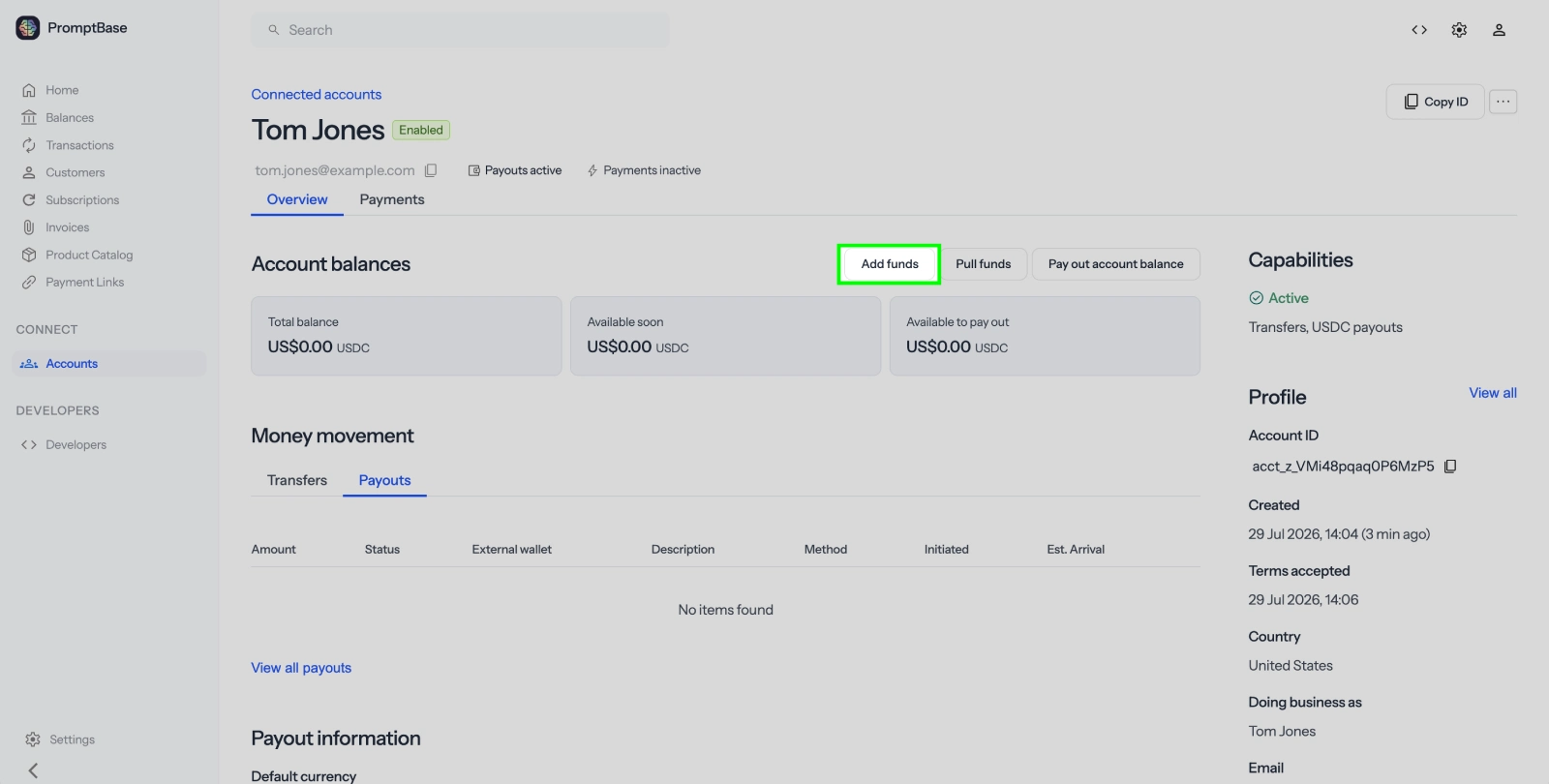
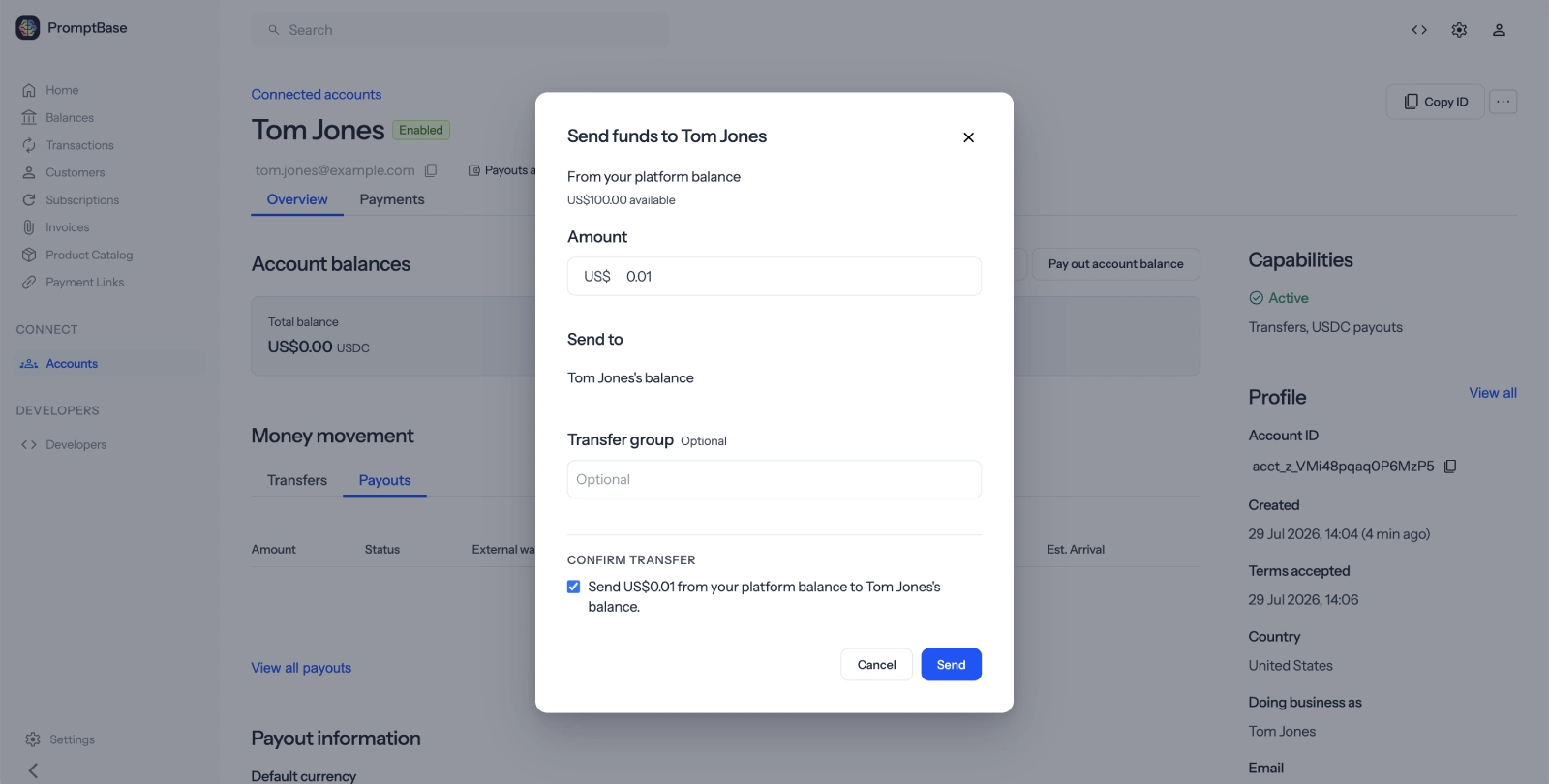
Once the seller has completed onboarding and connected their wallet, you can transfer funds to their Zoneless account balance. This records the transfer but does not yet send USDC on-chain.

Create transfer
const transfer = await zoneless.transfers.create({
  amount: 1, // $0.01
  currency: 'usdc',
  destination: account.id,
  description: 'Payment for services'
});

console.log(transfer.id); // tr_z_1234...

8. Create a payout

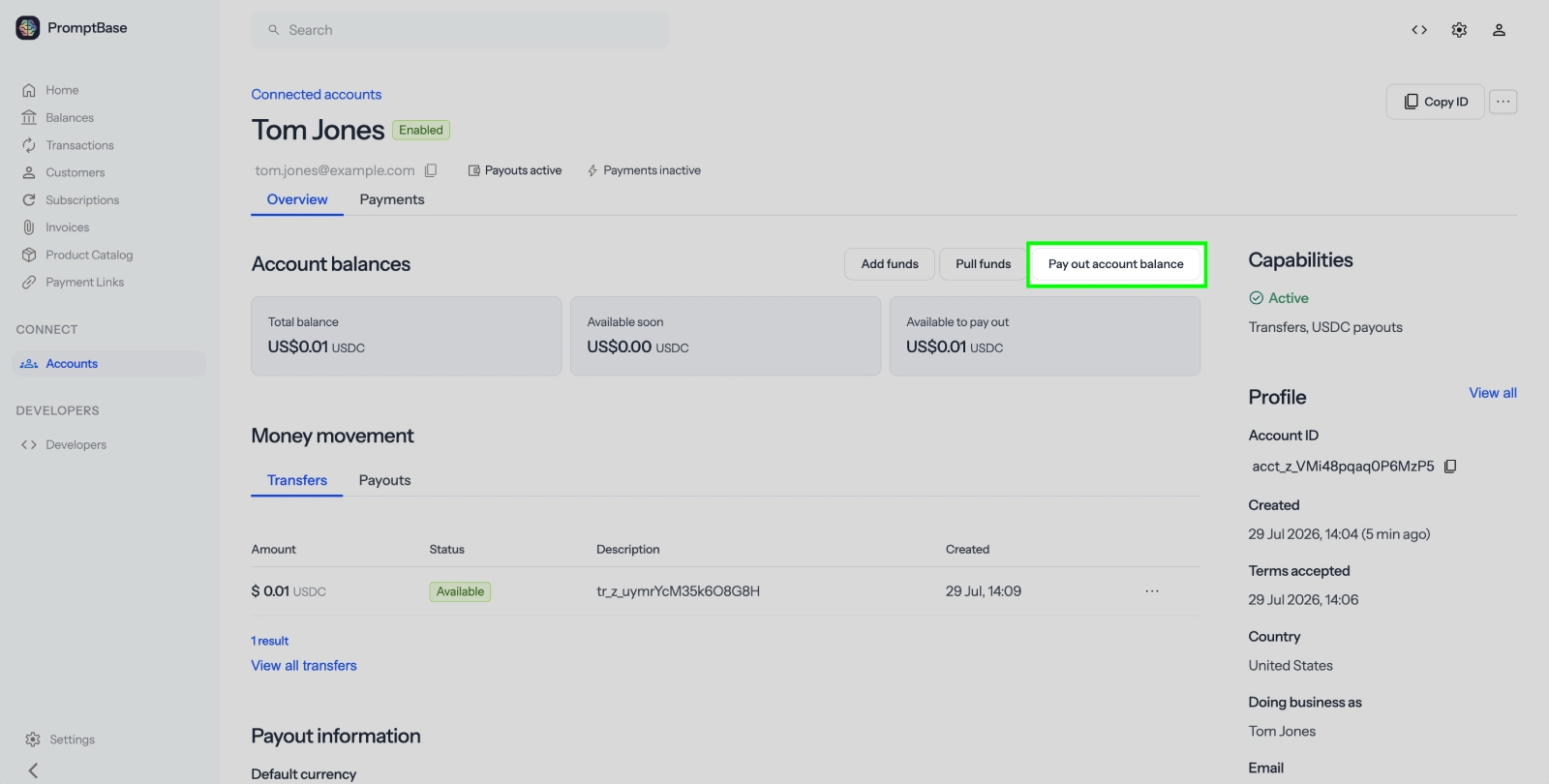
Create a payout to send USDC from the connected account's balance to their Solana wallet. The connected account's balance must cover the payout amount.

Create payout
const payout = await zoneless.payouts.create({
  amount: 1, // $0.01
  currency: 'usdc',
}, {
  zonelessAccount: account.id,
});

console.log(payout.id); // po_z_1234...

9. Process payouts

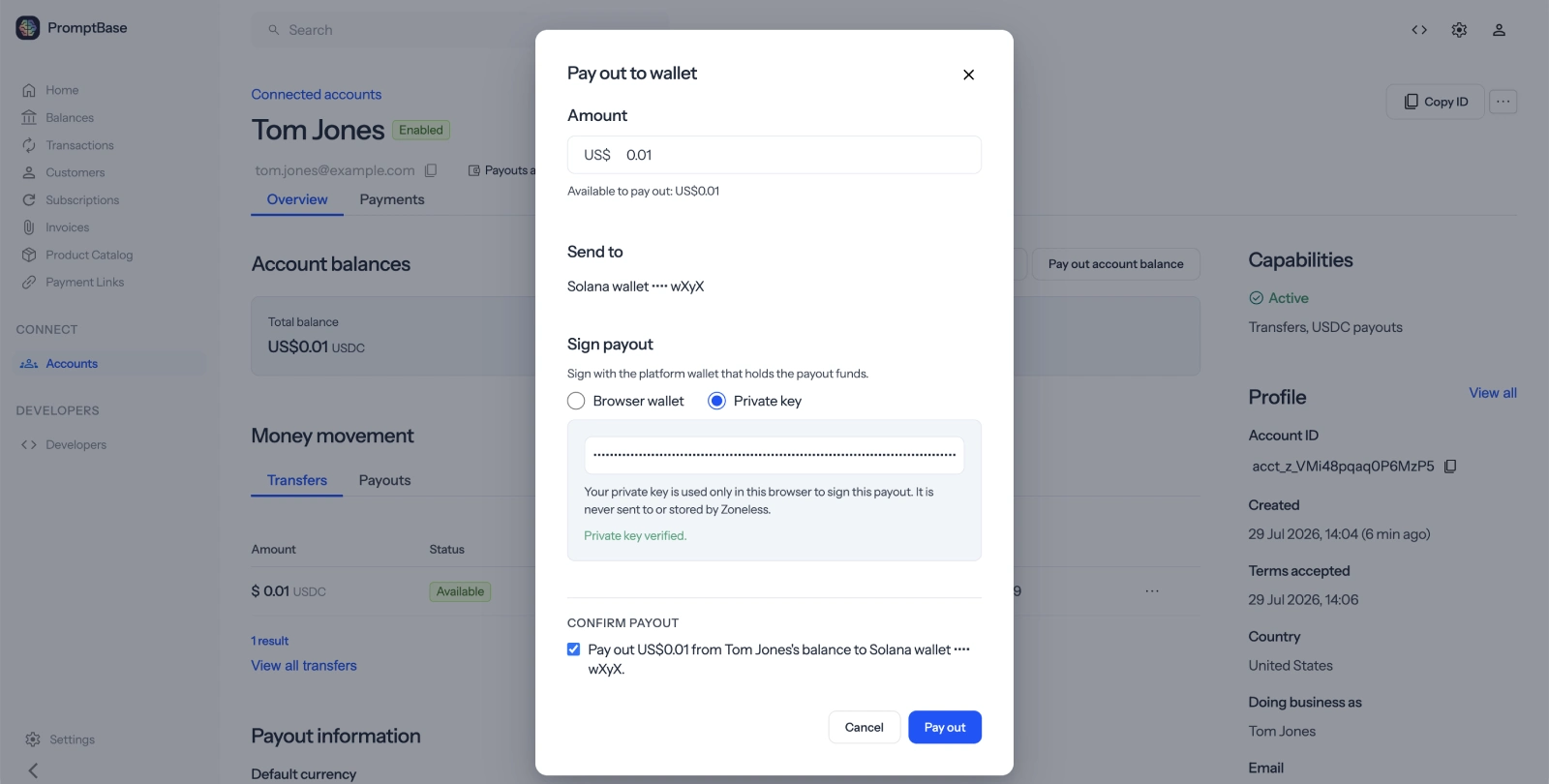
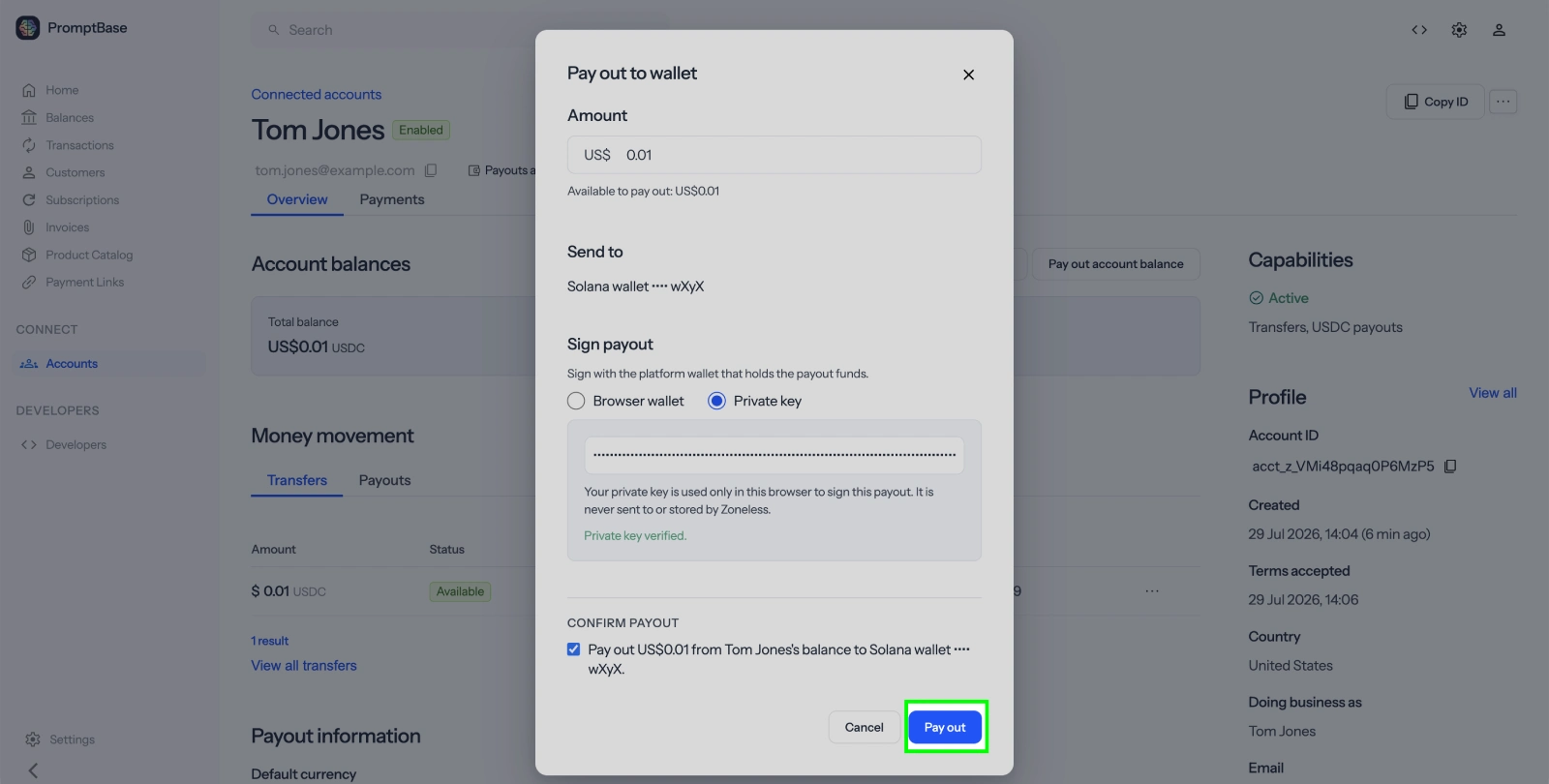
After creating payouts, call processAll() to build, sign, and broadcast all pending payouts to the Solana network in a single call. This sends USDC from your platform wallet to each seller's wallet. If you're not using the SDK, use the two-step build and broadcast endpoints to build an unsigned transaction, sign it locally, and then broadcast it.

Keep your secret key secure. Your Solana wallet secret key is used to sign payout transactions. Never expose it in client-side code — store it as an environment variable.
Process all payouts
const results = await zoneless.payouts.processAll(
  process.env.SOLANA_SECRET_KEY
);

const totalProcessed = results.reduce(
  (sum, r) => sum + r.payouts.length, 0
);

console.log(
  `Processed ${totalProcessed} payouts in ${results.length} batches`
);

Next steps

  • Webhooks: Listen for events like account.updated, transfer.created, and payout.paid
  • Login Links: Give sellers access to their Express dashboard
  • Payouts API: Learn about batch processing, payout statuses, and the build/broadcast flow
  • Transfers API: Learn about transfer statuses and metadata