


Payment Links quickstart
Accept your first stablecoin payment with no code.
If you don't have an account yet, sign up, then open your Zoneless dashboard.
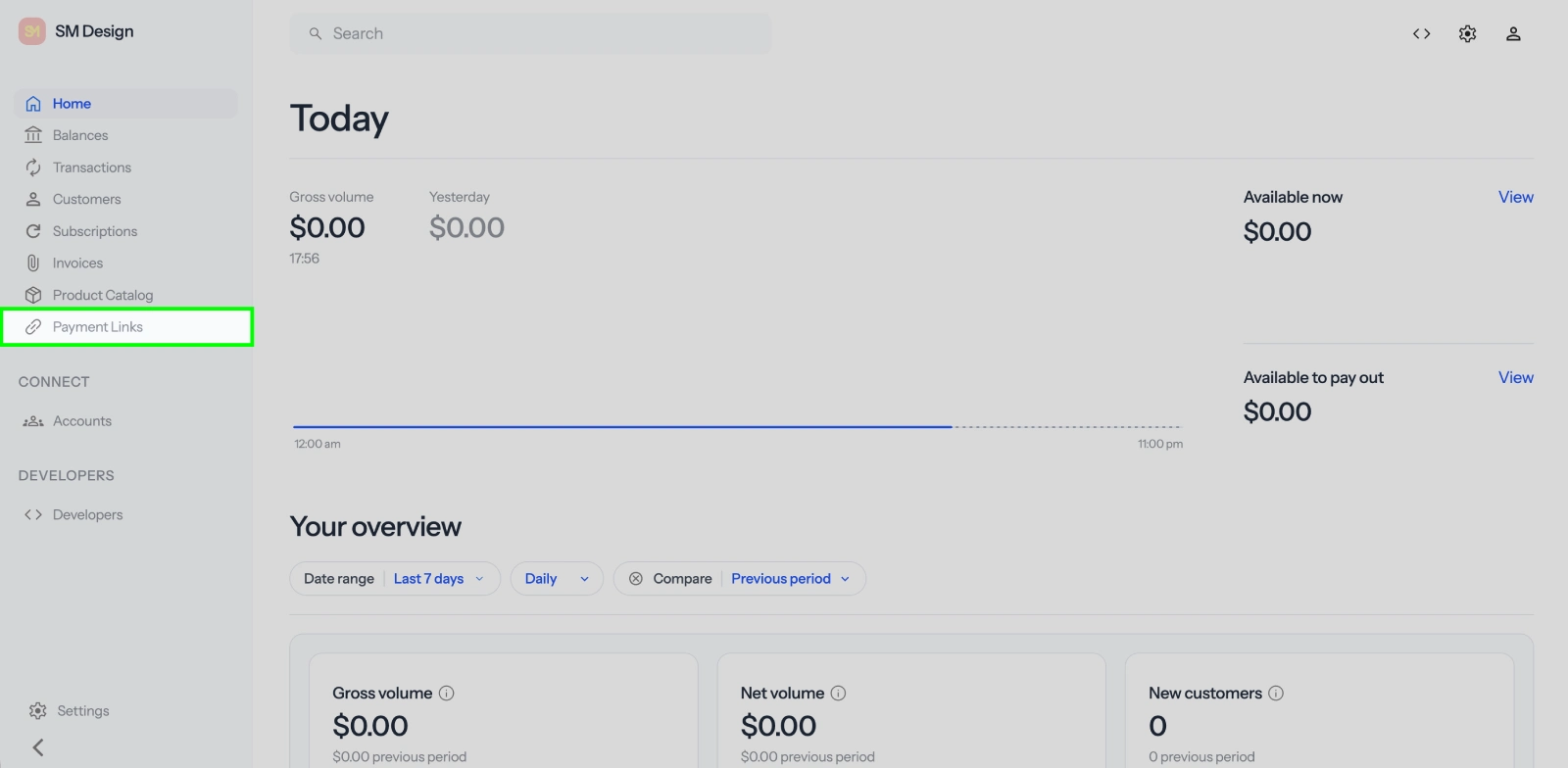
 1Go to Payment Links
In the sidebar, open Payment Links .
.
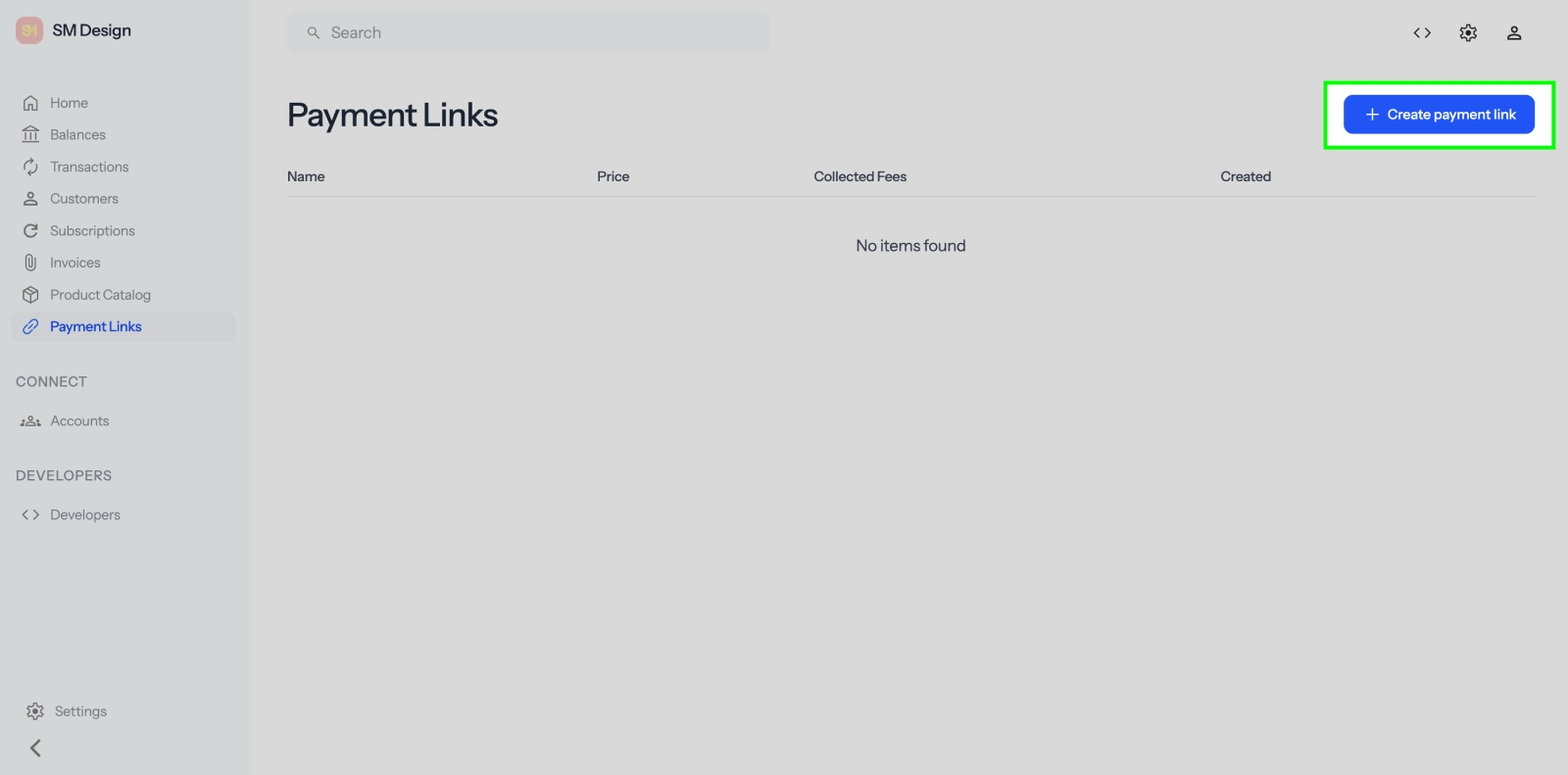
2Create a payment link
Click Create payment link.
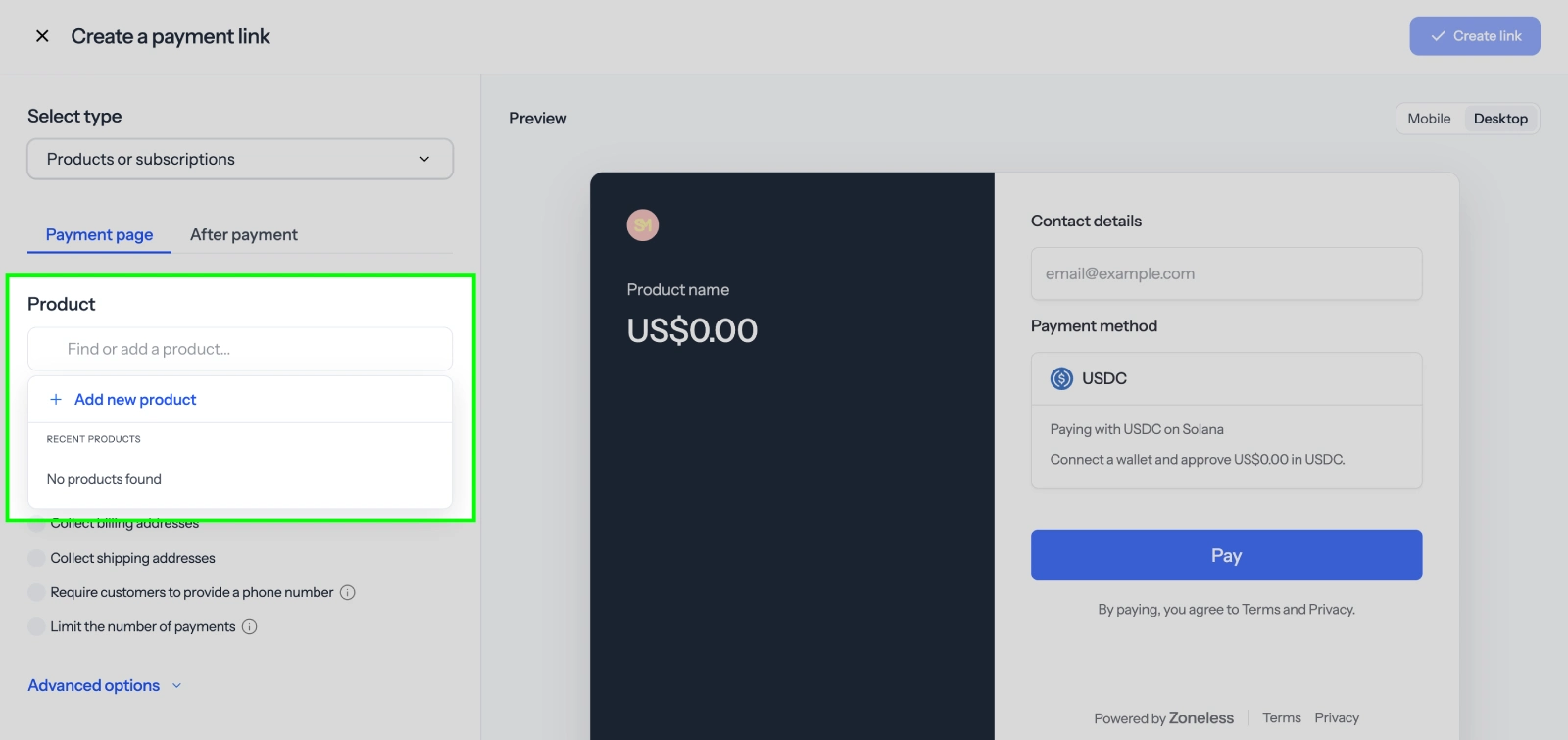
3Add a new product
Under Product, click Find or add a product…, then Add new product.
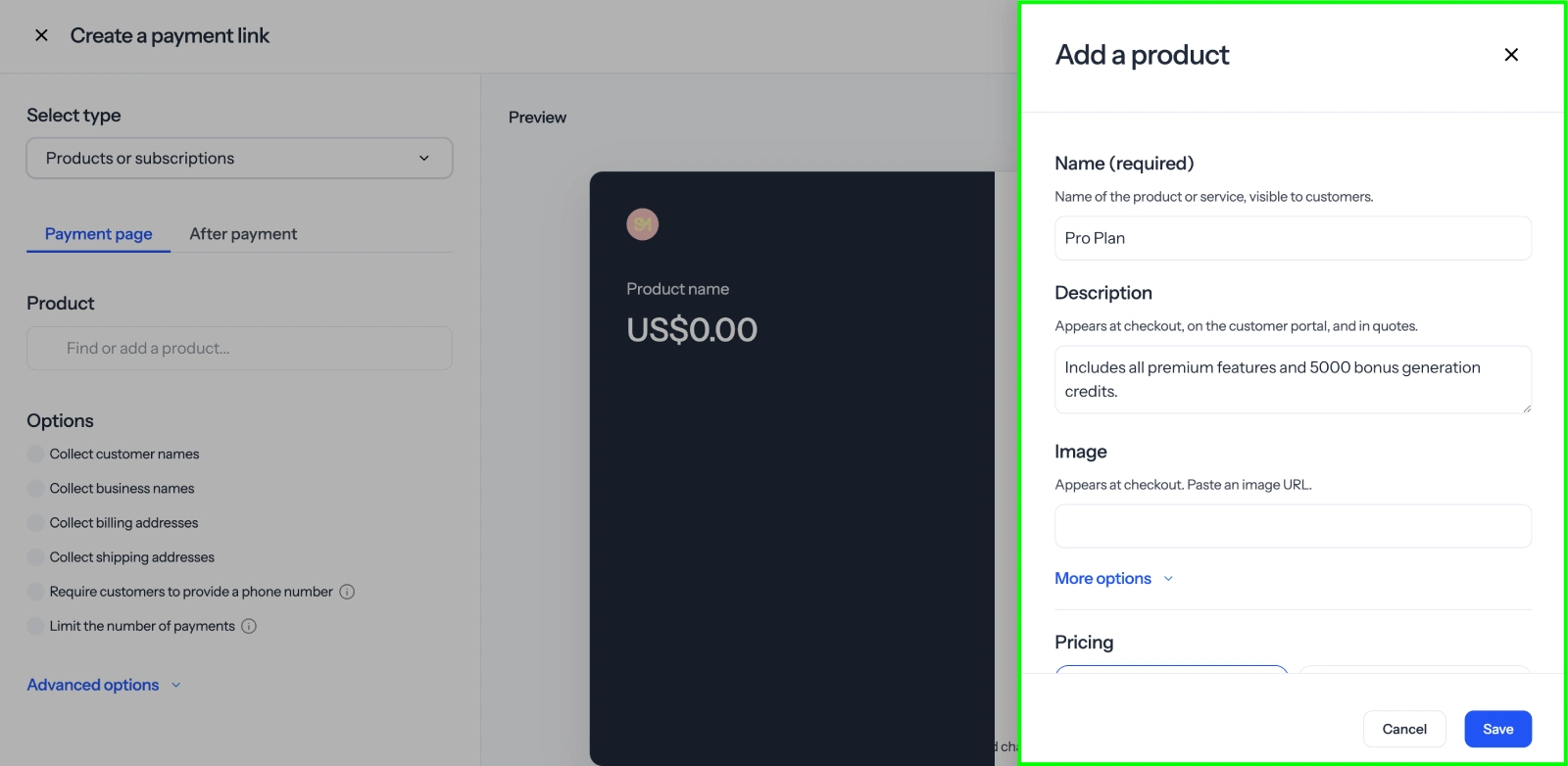
4Enter product details
Enter a Name and Amount, then click Save.
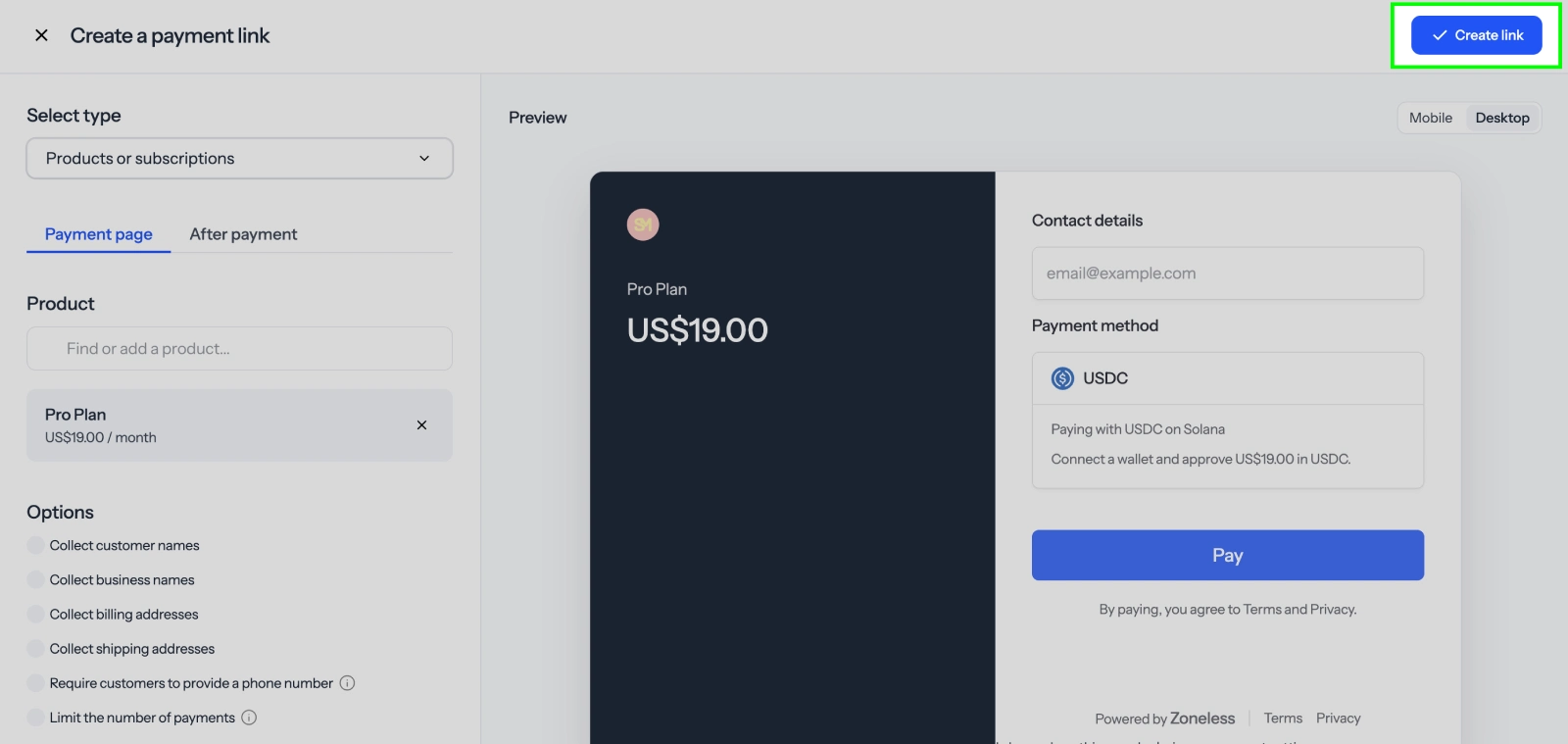
5Create the link
Click Create link.
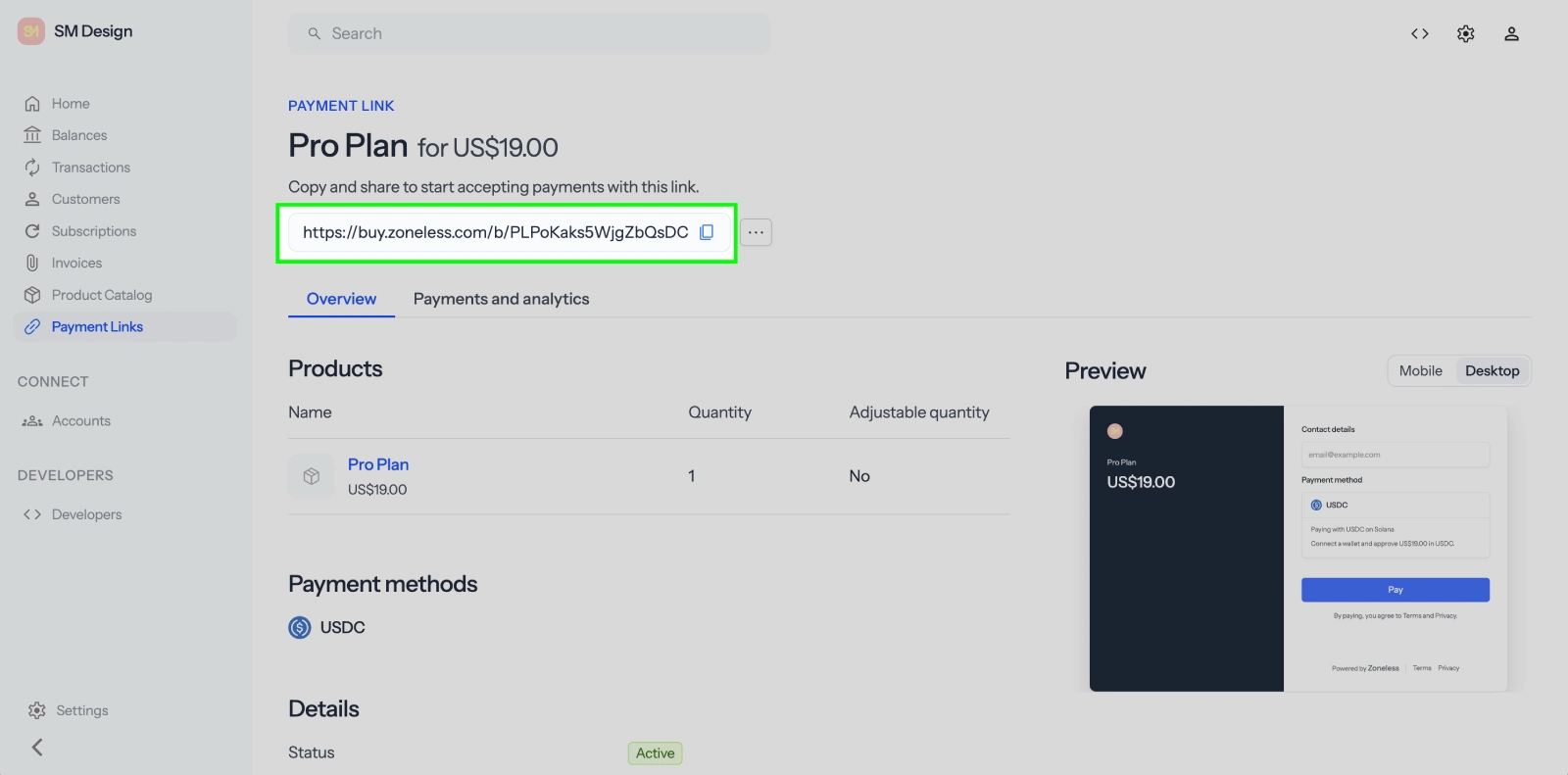
6Share the link
Click the URL to copy it (Copy payment link URL). Share it by email, text, or on your site.
7Accept a payment
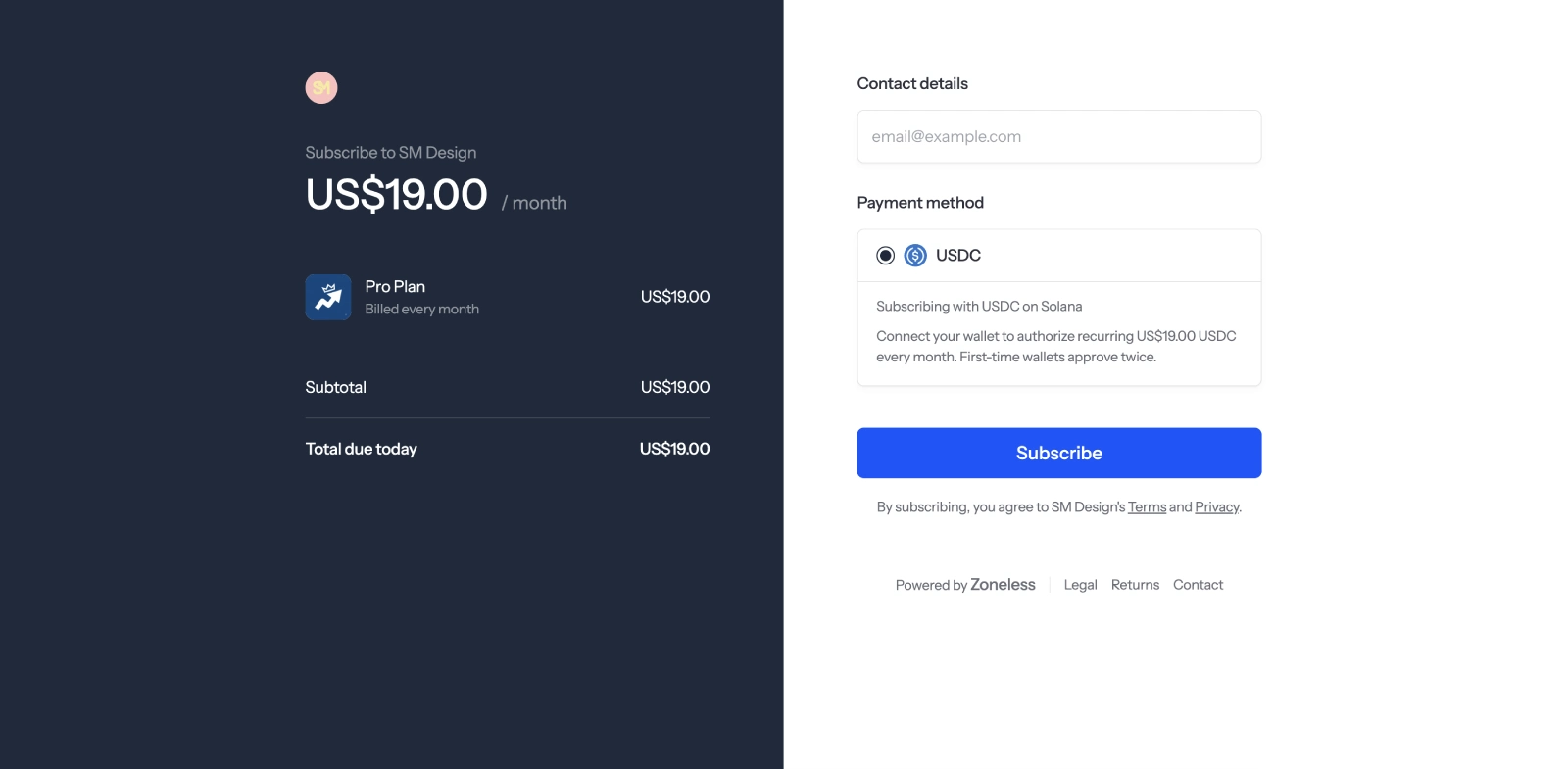
When a customer opens the link, they see your product and pay in USDC. In test mode, Checkout shows a simulated wallet you can approve without connecting a real wallet. In live mode, the customer pays with their Solana wallet.
Next steps
- Checkout API quickstart - accept payments from your app
- Webhooks - get notified when a payment completes
- Quickstart - onboard and pay out your first seller